Email Troubleshooting Guide: Common Issues & Solutions
Email problems can disrupt communication and productivity, but most issues have simple solutions. Below is a structured Q&A guide to help you quickly identify and fix common email-related problems.
Emails Not Send
Not Receiving Email
Email Not Syncing
Emails Not Sending
Caused by incorrect SMTP settings, weak internet, or login issues. Check server address, port, encryption, and credentials.
Not Receiving Emails
May be due to full mailbox storage, wrong IMAP/POP settings, or emails filtered into spam. Check storage and review filters.
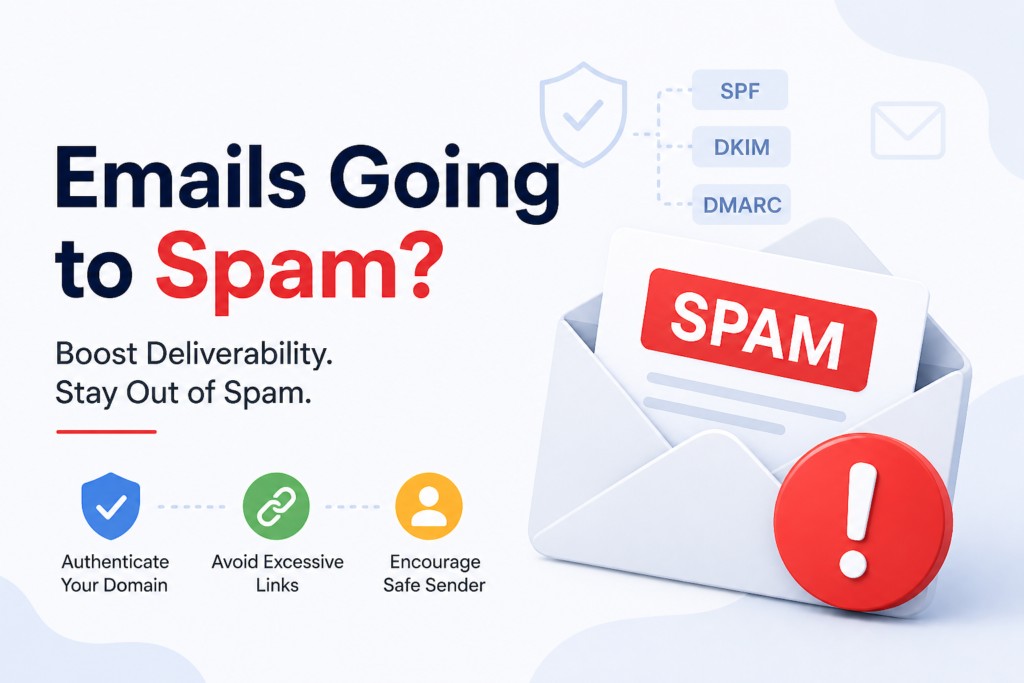
Emails Going to Spam
Flagged due to suspicious content, excessive links, or missing SPF, DKIM, or DMARC records. Authenticate your domain to improve deliverability.
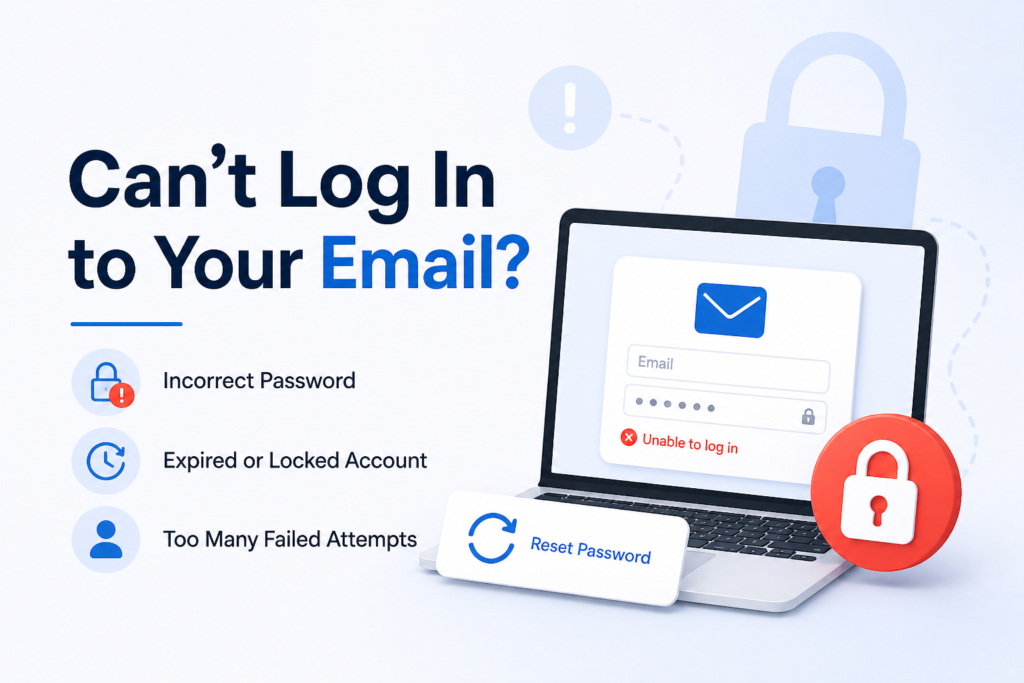
Login Access Issues
Often caused by wrong passwords, expired credentials, or account lockouts. Use password recovery or contact your provider for help.
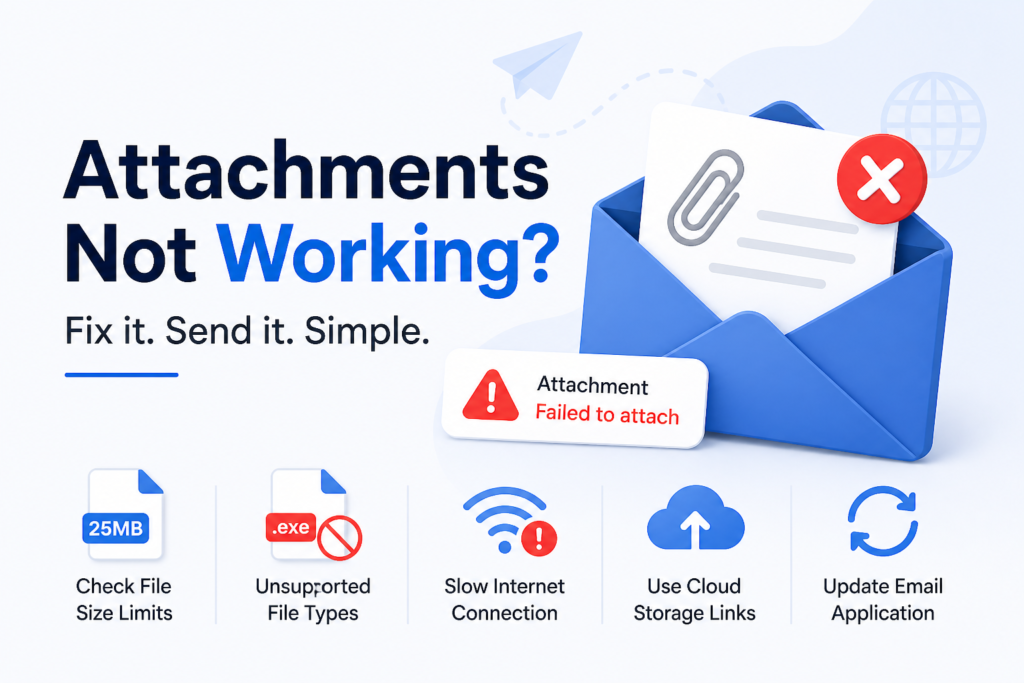
Attachments Not Working
May occur due to file size limits, unsupported formats, or slow internet. Try reducing file size or sharing via a cloud storage link.
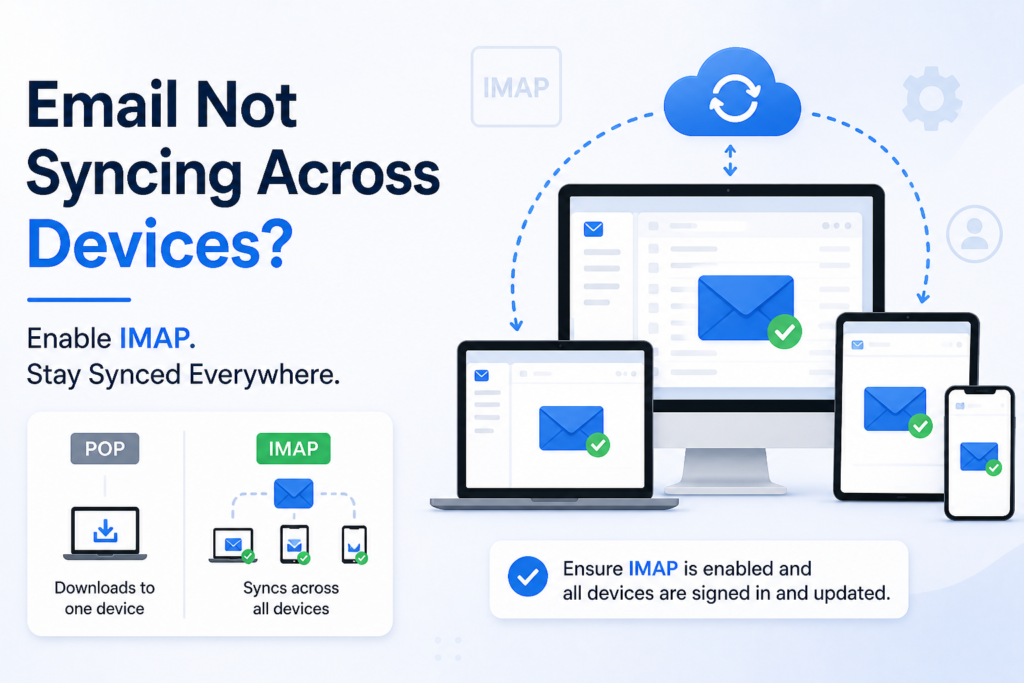
Emails Not Syncing
Usually caused by using POP instead of IMAP. Switch to IMAP to keep emails synchronized across all your devices seamlessly.
Why are my emails not sending?
This usually happens due to incorrect outgoing server (SMTP) settings, weak internet connection, or login/authentication issues. Ensure your SMTP details such as server address, port, and encryption type are correctly configured as per your email provider. Also confirm that your username and password are accurate, and check if any firewall or network restrictions are blocking outgoing mail.
Why are my emails not sending?
This usually happens due to incorrect outgoing server (SMTP) settings, weak internet connection, or login/authentication issues. Ensure your SMTP details such as server address, port, and encryption type are correctly configured as per your email provider. Also confirm that your username and password are accurate, and check if any firewall or network restrictions are blocking outgoing mail.
Why are my emails going to spam?
Emails may be flagged as spam due to suspicious content, excessive links, or missing authentication records like SPF, DKIM, or DMARC. To improve deliverability, keep your content clear, avoid spam-like wording, and ensure your domain is properly authenticated. Encouraging recipients to mark your messages as safe can also help.
Why can’t I log in to my email account?
Login issues are often caused by incorrect passwords, expired credentials, or account lockouts after multiple failed attempts. Use the password recovery option to reset access. If the problem continues, your account may be temporarily locked or compromised, requiring support from your provider.
Why are attachments not working?
Attachment problems may occur due to file size limits, unsupported file types, slow internet, or browser/app issues. Try reducing file size, changing the format, or using cloud storage links. Updating your email application can also resolve compatibility issues.
Why is my email not syncing across devices?
This typically happens when POP is used instead of IMAP. POP downloads emails to one device, while IMAP keeps everything synchronized across all devices. Ensure IMAP is enabled and that all devices are properly signed in and updated.
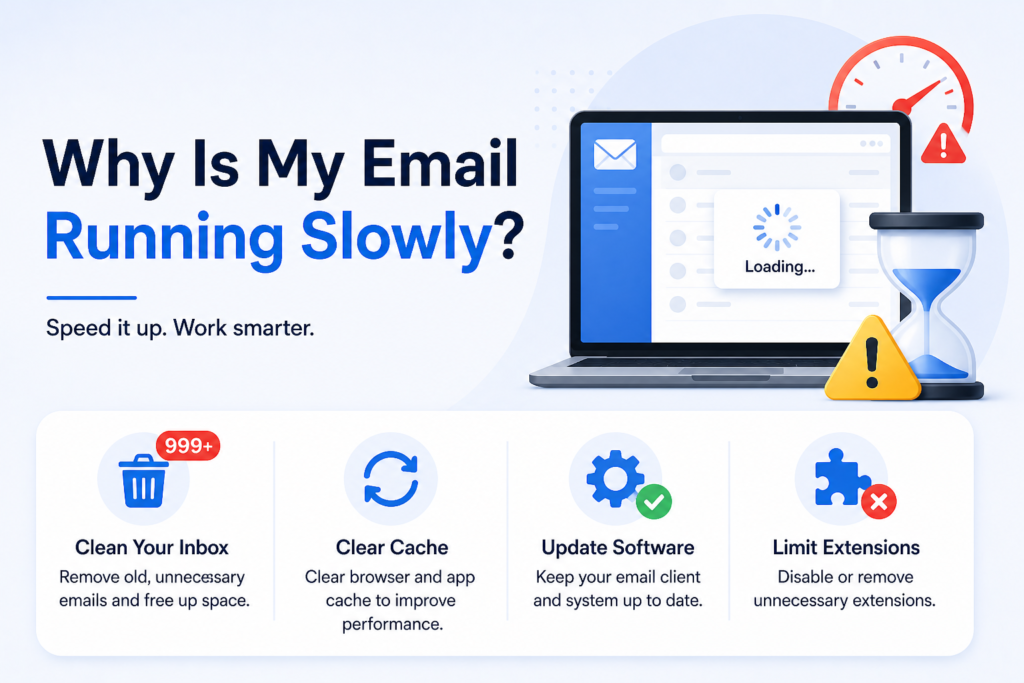
Why is my email running slowly?
Slow performance can result from a cluttered inbox, outdated software, or too many extensions. Removing old emails, clearing cache, and updating your email client can improve speed and responsiveness.
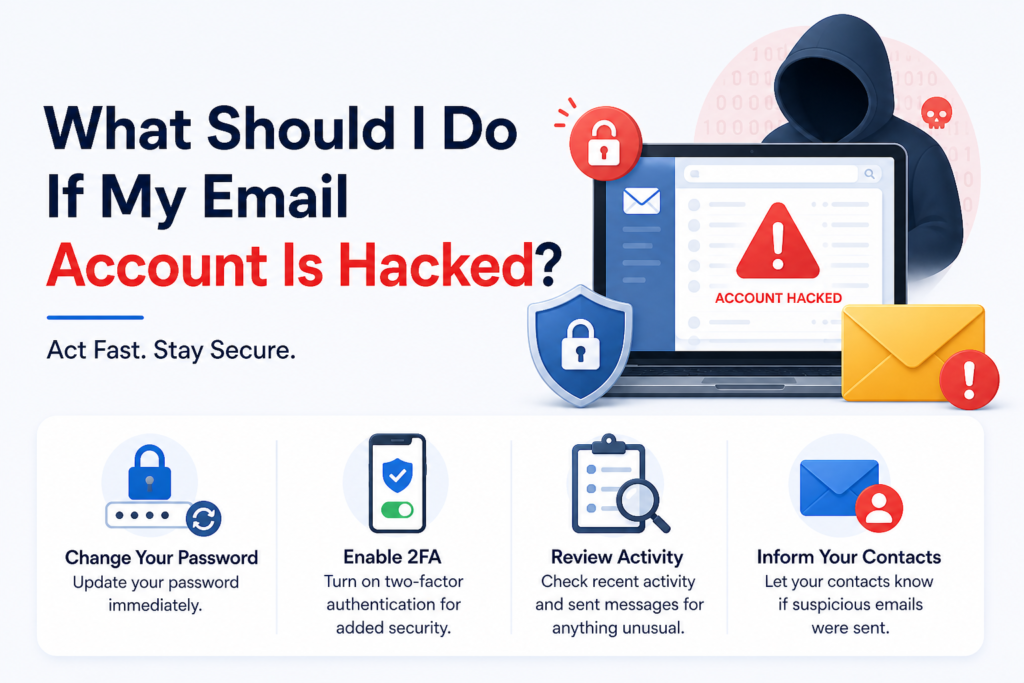
What should I do if my email account is hacked?
Immediately change your password and enable two-factor authentication for added security. Review recent activity and sent messages for unauthorized actions. Inform your contacts if suspicious emails were sent from your account.
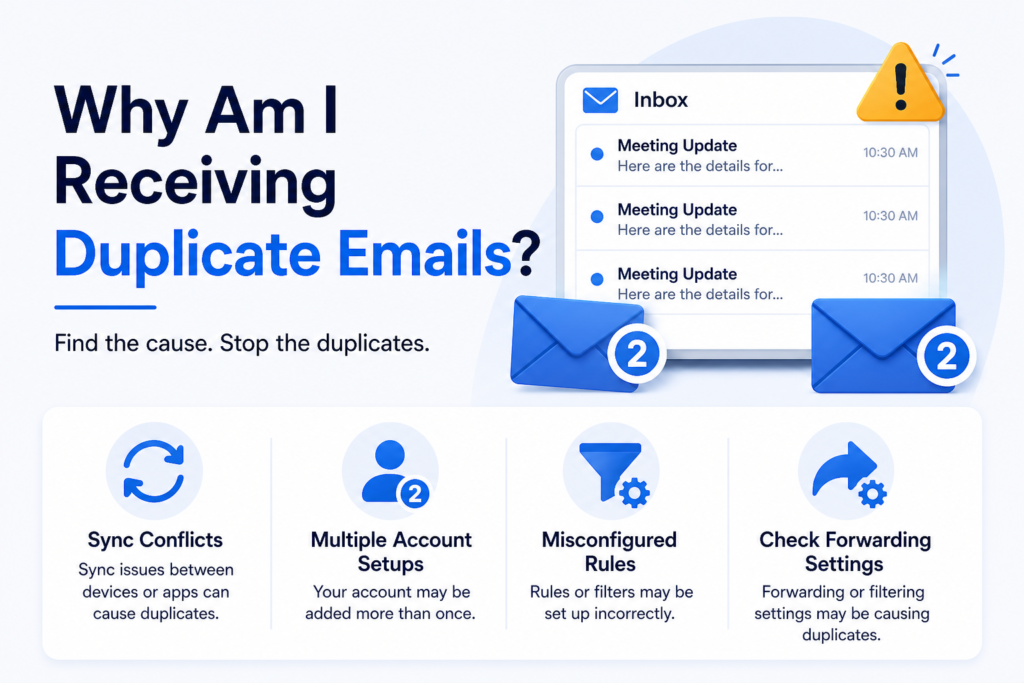
Why am I receiving duplicate emails?
Duplicate emails often occur due to sync conflicts, multiple account setups, or misconfigured rules. Check whether your account is added more than once and review forwarding or filtering settings.
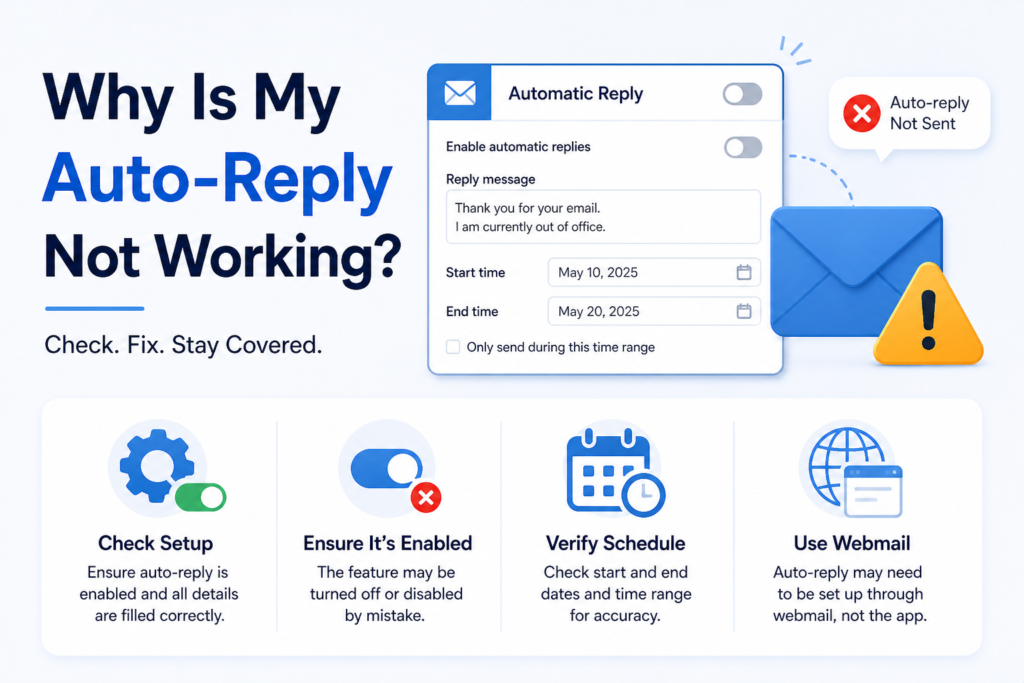
Why is my auto-reply not working?
This may be due to incorrect setup, disabled settings, or scheduling errors. Ensure the feature is enabled and properly configured, and check whether it must be set via webmail instead of an app.
📧
Still having email issues?
Professional help is just a step away. Contact your email service provider's support team for personalized assistance, or explore more troubleshooting resources to resolve problems quickly and keep your communication running smoothly.